
Current dispute
Prepare one live disagreement between party members.
Two fair positions. Three ways through.
Prepare one grounded party disagreement with fair positions, clear escalation and several ways through. Every player keeps their own choices.

A disagreement with room to recover
Keep the argument grounded in the party you describe.
Prepare one live disagreement between party members.
Preserve the people and situation you provide.
Give each side a believable point of view.
Keep what each character says or concedes with their player.
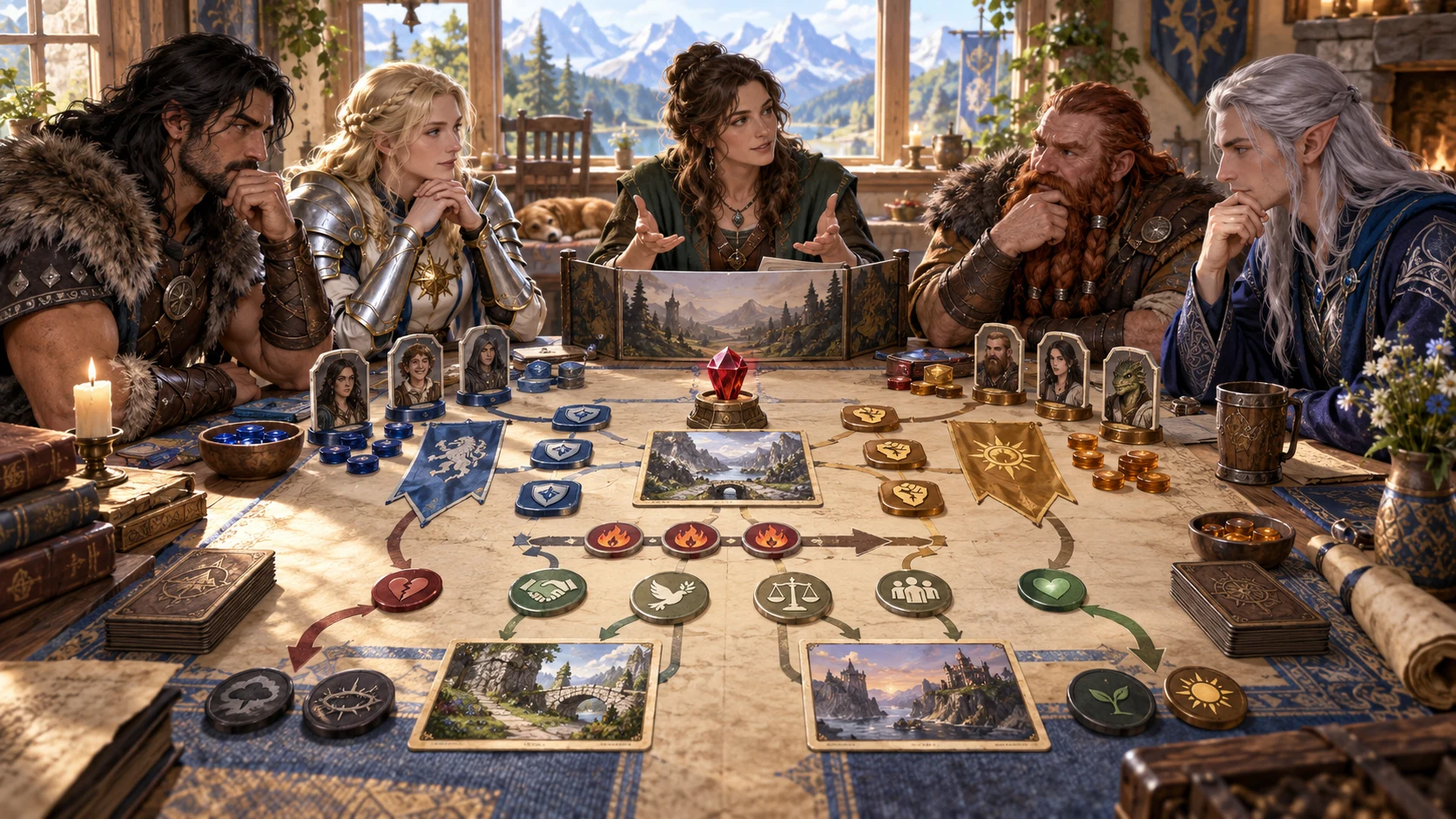
Keep the people and current situation connected
The illustration represents fantasy party preparation, not an application screenshot.
Set party members, the current situation, tone and severity.
Choose the issue, a way through and private context.
From current dispute to playable ways through
Prepare a grounded argument without declaring a winner.
The first two names become the people arguing.
Choose the tone and how far the dispute has gone.
Develop escalation and the rest of the party’s response.
Review three routes forward, lingering effects, hooks and tips.
The current-argument workspace
Keep the disagreement grounded in established party facts.
Keep the disagreement grounded in your established people and facts.
Shape a petty squabble through a party-splitting disagreement.
Explore loot, plans, leadership, trust, responsibilities and secrets.
Give each arguing character a believable point of view.
Prepare how the dispute grows and the party responds.
Offer several routes forward with lingering effects, hooks and tips.
Lock, edit, reopen or duplicate a useful result.
Review DM or player-facing material for copy, JSON or print.
Quick arguments and deeper context
Tie each position to what has happened to your party.
Name members, describe the scene and set seriousness.
Shape loot, plans, values, leadership, trust, mistakes, duties or secrets.
Explore compromise, apology, a vote, mediation or time apart.
Add a previous event, things to avoid and private details.
Refine an argument worth keeping
Keep both positions and the routes forward connected.
Lock and edit individual parts.
Keep versions or duplicate a useful result.
Return to escalation, group reactions and ways through.
Keep consequences and story hooks with the argument.

A grounded dispute with open choices
Review both positions, escalation and party reactions.
Consider three ways through and lingering effects.
Review two story hooks, table tips and audience material.
Character choices remain with the players
Use the material as preparation for a playable disagreement.
Each player chooses what their character says, does or concedes.
The generator applies no mechanic or penalty.
It decides no winner and forces nobody out.
It sends nothing to Combat Pro.
Generator access and pricing
Choose access for this selected generator or an eligible pack.
Review current standalone access and pricing.
Check whether a current pack includes this generator.
Use your account to review premium product access.
Create a free VISINVOKE account; premium access remains separate.
VISINVOKE means value
Make the argument grounded and recoverable, with every player’s choices open.

Give both sides a believable point of view.
Prepare escalation and the rest of the party’s response.
Reopen versions or duplicate a useful result.
Leave words, actions and concessions to each player.
Explore your VISINVOKE workspace
Each card opens its own product website. Review purpose and access separately; related products do not promise included access or automatic synchronisation.

Open your VISINVOKE desktop products.

Prepare a live exchange after an established social mistake.

Build the wider setting around your campaign.

Develop the places your party travels through.

Explore separate adventure environments.

Explore separate fantasy image creation.
Product artwork is illustrative, not application screens or actual generated image output.
Quick answers
Understand six severities, ways through, saved versions and desktop access.
Create one current argument between party members, preserving established people and facts. The first two names become the people arguing. Prepare both positions, an escalation ladder, reactions from the rest of the party, three ways through, lingering effects, two story hooks, two table tips and a private Dungeon Master note.
Choose a petty squabble, minor argument, personal dispute, serious argument, bitter split or party-splitting disagreement. Build around loot, the plan, right and wrong, leadership, trusting an outsider, someone’s mistake, camp responsibilities or a secret, with a fair position for each side.
Explore compromise, apology, a vote, mediation, time apart, shared danger, learning who was right or a peace-making ritual. Add something that happened to the party, things to avoid and private context. This is one current argument, rather than a long-term personal rivalry, the party’s breaking point or why the group stays together.
Lock, change and edit individual sections, and save versions. Reopen both positions, escalation, group reactions, ways through, lingering effects and story hooks intact. Keep versions or duplicate a result to explore a variation.
Copy, export as JSON or print the Dungeon Master dossier or a player-facing party note containing the party, argument, both positions, escalation, ways through, hooks and tips. Select and review audience material before sharing, keeping the DM note and private context in your preparation. The generator sends nothing to Combat Pro, applies no mechanic or penalty, decides no winner and forces nobody out. Every player decides what their character says, does or concedes.
Create a free VISINVOKE account and review current access and pricing for this selected generator or an eligible pack. Premium access is separate from the free account. Use your account installer page for Desktop Command Centre, then open Party Argument Generator from the Generators collection in its desktop workspace.
Continue in VISINVOKE
Create a free VISINVOKE account and review current generator access.
Use your account installer page for Desktop Command Centre.
Open Party Argument Generator from the Generators collection.